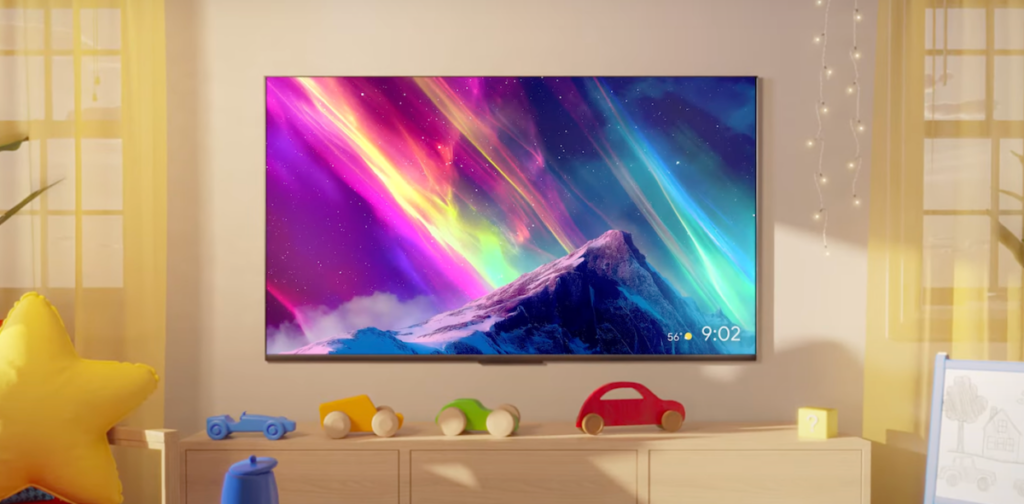

Google TV is getting another round of Gemini features, and this time there’s actually stuff I’d use. The headline additions are Nano Banana for transforming photos and Veo for generating videos directly on your TV.
Nano Banana is basically a lightweight image editor that runs locally. You can tweak photos, apply effects, or do that thing where you make someone look like a cartoon character. I’ve seen this kind of feature on phones before, but putting it on a TV is interesting because you’re not hunched over a small screen. The catch is that it only works with photos stored on the device or uploaded through the Google TV interface. No cloud sync, no editing photos from your phone unless you manually transfer them.
Veo is the video generation tool. Google’s been pushing Veo for a while now, and it’s decent for short clips. On Google TV, you can type a prompt and get a 4-second video. It’s not going to replace your camera, but for making quick memes or background loops, it’s fine. The output quality depends heavily on how specific your prompt is. Vague prompts give you weird artifacts. Specific prompts can actually look surprisingly good.
Beyond those two, there are smaller updates. Google Assistant now handles more complex queries with Gemini under the hood. You can ask it to find “that movie with the guy who looks like my uncle” and it might actually figure it out. The recommendation engine also got a bump, so your “For You” row should be less random now.
What I don’t like: these features are rolling out gradually, and some won’t hit older Google TV devices. If you’re on a Chromecast with Google TV from 2020, you might get Nano Banana but not Veo. Google hasn’t been clear about which hardware supports what, which is frustrating.
Also, the privacy angle. Nano Banana runs locally, which is good. Veo sends your prompts to the cloud, which is expected but worth noting if you’re privacy-conscious. Google says the data isn’t used for training, but we’ve heard that before.
Overall, this is a solid update if you have a recent Google TV device. Nano Banana is genuinely useful for quick edits on the big screen. Veo is more of a toy, but a fun one. Just don’t expect everything to work on older hardware.
Comments (0)
Login Log in to comment.
Be the first to comment!