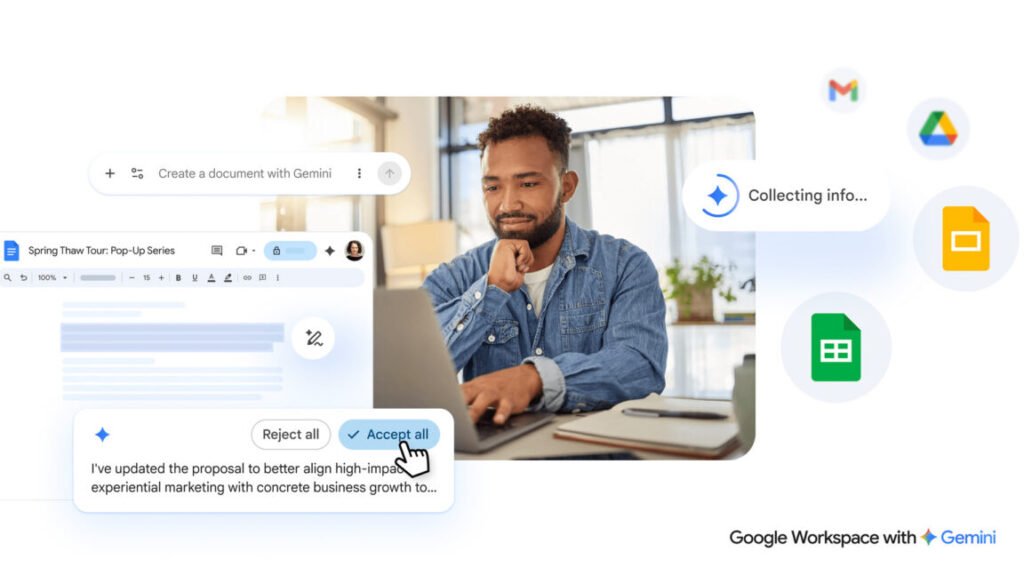

Google didn’t waste time stuffing Gemini into Workspace, and now it’s giving those AI features a serious revamp. The company says the new tools for Drive, Docs, Sheets, and Slides will finally free you from the tyranny of the blank page. And honestly? After years of staring at that blinking cursor, I’m not mad about it.
If you open a new Google Doc today, you’ll already see a few AI-powered buttons at the top. The new system refines and expands those options. Instead of those scattered buttons, you’ll get a chatbot-style text box at the bottom of a fresh document. Type in what you want—a project proposal, a meeting agenda, whatever—and Gemini spits out a first draft. It’s basically the same pattern we’ve seen from every AI writing tool since ChatGPT, but Google has one advantage: it can pull content from your Gmail, other Docs, Google Chat, and even the web.
That’s the part that actually matters. When you generate a new document, you can point Gemini at specific emails or chat threads for context. It’s not just guessing what you want; it’s reading your actual work. The editing side also gets an upgrade. You can highlight a section and ask for changes, or use prompts to reformat the whole thing. There’s even style matching, which could save you from the headache of five different people writing five different ways in the same doc.
Google is careful to note that all Gemini suggestions stay private until you approve them. That’s a smart move, given how much sensitive data lives in Workspace. I’d still want to see how they handle compliance, especially for enterprise accounts with strict data policies.
Slides gets some love too. You can describe a presentation and Gemini will generate slides, complete with images and layouts pulled from your Drive. Sheets? It’ll help you organize data or generate formulas. None of this is revolutionary on its own, but the fact that it’s all tied together across your account makes it stick.
The real question is whether this saves you time or just creates more noise. If you’re already deep in Google’s ecosystem, the context-aware generation could genuinely speed up repetitive tasks. But if you’re someone who prefers to write from scratch, you might find the AI suggestions more distracting than helpful.
Personally, I think Google is finally doing what Microsoft should have done with Copilot: making the AI feel like part of the app, not an add-on. The chatbot interface at the bottom of a Doc is unobtrusive, and the ability to pull from Gmail is a legit differentiator. I just hope they don’t go overboard and turn every document into an AI negotiation.
Comments (0)
Login Log in to comment.
Be the first to comment!